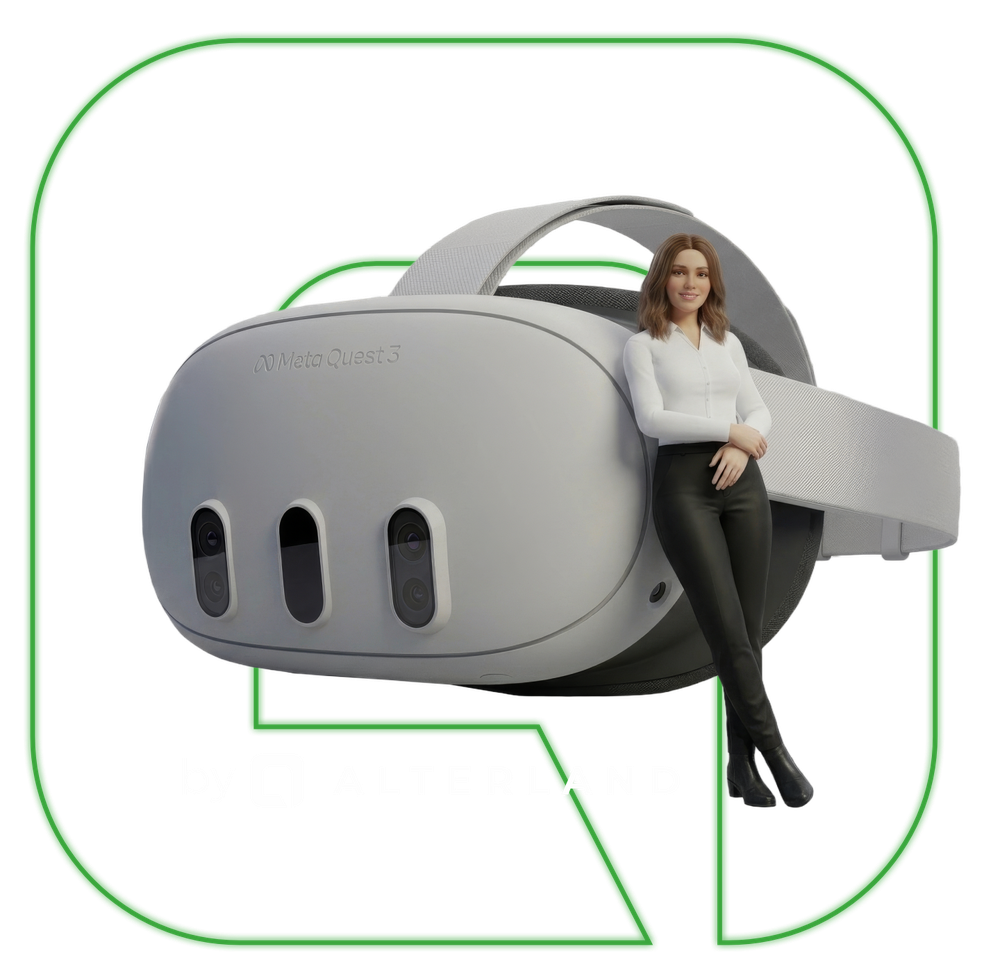
Most people find difficult conversations difficult because they practice them once.
There’s no way to build muscle memory for high-stakes conversations when real opportunities are scarce, and the cost of failure is high.
Your trainer is booked three weeks out. The meeting is tomorrow.
Live coaching and role-play depend on human availability. Your team can’t practise on demand — so they don’t practise at all.
Traditional training scales with headcount. Your budget doesn’t.
Flying in facilitators, booking venues, organising groups — conventional soft skills training gets more expensive as your team grows, not less.
What is AI Partner?
A photorealistic AI avatar that never cancels.
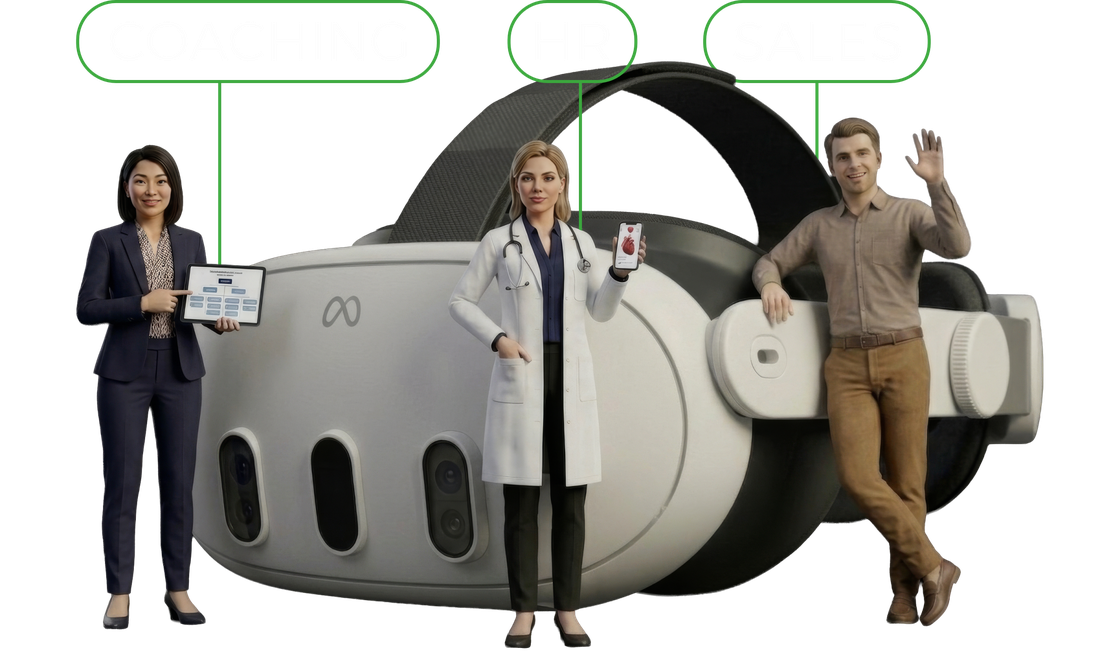
AI Partner is a life-like, AI-powered conversation partner for VR. Wherever you need a sparring partner — sales, HR, medical, service — AI Partner is always ready.

Upload your Role Card.
Define the scenario, persona, and objectives. The avatar adapts to your exact business context.

Put on the headset.
Step into a fully immersive VR environment. The avatar is present, responsive, and realistic.

Have the conversation.
Talk naturally. The AI responds in real time — challenging you, reacting to your approach, adapting as you speak.

Review the transcript.
Every session is recorded and transcribed. Review your language, pacing, and structure immediately after.
What AI Partner offers?
Everything your trainers wish they could offer.
No organisation has ever made the mistake of giving their team too much practice. AI Partner makes unlimited practice possible.
Unlimited Repetition.
Run any conversation as many times as needed. Practice until the right response becomes the natural response.
24/7 Availability.
No scheduling, no trainer availability. Your team practises exactly when they need to — not when a calendar allows.
Multilingual.
Practice in any language. AI Partner adapts to your team’s language needs without additional cost or setup.
Full Session Transcription.
Every session is automatically transcribed. Review exact language, identify patterns, and track improvement objectively.
Any Scenario, Instantly.
Upload a role card and the avatar becomes a different persona in seconds. Infinite scenarios, one platform.
Built for every team that trains through conversation.

Corporate L&D Teams.
Enterprise learning & development at scale, tied to measurable outcomes and existing LMS infrastructure.

Pharma & MedTech.
Compliant, repeatable training for medical reps, HCP communication, and patient-facing staff.

Independent Trainers.
White-label AI Partner for coaches and training organisations who want to offer immersive practice to their clients.

HR & People Teams.
Manager development, performance conversations, and sensitive HR scenarios in a safe, private environment.

Banking & Insurance.
Regulated industries where conversation quality, compliance language, and client trust are non-negotiable.

Government.
Public sector teams handling citizen-facing interactions where communication quality impacts public trust.

Law & Professional Services.
Client-facing lawyers, consultants and advisors who need to communicate complex information with clarity.
Accessibility & Public Sector.
Staff training for organisations serving people with diverse needs, disabilities, or communication challenges.

Do you still have questions?
Here are some of the burning questions we hear most:
01. What is Alterland AI Partner?
AI Partner is an AI-powered role-play training platform that enables teams to practise real-world business conversations with photorealistic, responsive AI avatars.
Training is built around your own scenarios, business challenges and learning objectives, so your team practises exactly what matters to your organisation.
From handling sales objections and customer escalations to performance reviews and difficult management conversations, employees can rehearse challenging situations in a realistic, controlled environment.
AI avatars respond dynamically in real time, adapting to the learner's decisions and communication style. Scenarios can be repeated on demand, allowing teams to develop their skills through consistent, practical training.
02. What kinds of conversations can we practise?
Virtually any conversation relevant to your business. You provide your own training scenarios, define the avatar's role and behaviour, and set the learning objectives.
From sales and customer service to leadership, HR and beyond, AI Partner adapts to your scenarios, so your team practises exactly the situations you want them to be prepared for.
03. Can we create scenarios based on our own business?
Absolutely. AI Partner trains your team on exactly what your business needs. You decide what conversations your employees should practise, define the scenarios and set the training objectives. Simply upload your own scenarios, and AI Partner adapts to your business context, allowing your team to practise situations directly relevant to their everyday work.
04. Does the avatar follow a fixed script?
No. The avatar responds in real time and adapts to the learner's words and approach within the defined scenario. This makes it possible to try different ways of handling a conversation instead of simply reading a predetermined dialogue.
05. Can learners repeat a scenario?
Yes. Learners can revisit scenarios, try different approaches and practise on demand without scheduling a live role-play partner for every session. Usage is based on the practice hours included in the selected package.
06. Can our teams practise in different languages?
AI Partner supports multilingual practice.
07. What can learners review after a session?
The published AI Partner offer describes recorded and automatically transcribed sessions. A transcript is a written version of what was said, which lets you read the conversation afterwards and reflect on your responses.
08. Do we need a VR headset to use AI Partner?
Yes. AI Partner is designed for VR so learners can fully immerse themselves in the scenario and stay engaged throughout the conversation. A supported VR headset is required.
09. Can AI Partner reflect our brand or be offered to clients?
Custom environments and avatar appearances can be discussed to reflect your business context. If you are a trainer, coach or training organisation interested in a white-label arrangement, contact Alterland to discuss the available options and commercial scope.
10. How do we arrange a pilot, and what does it cost?
Book a 30-minute introductory call with the Alterland team. We'll walk you through the platform, discuss your specific use case and explore a potential pilot project tailored to your needs. Pricing is based on the number of hours you choose to spend practising with AI Partner. Explore AI Partner and contact us.
11. Do we need technical expertise to get started?
No. For VR Collaboration, you can start with the free single-player tutorial in the Alterland app on Meta Quest. To use the collaboration platform with your team, create an account in Alterland Hub and follow the installation steps above. For an AI Partner pilot or a custom Digital Twin, contact our team to discuss your requirements.
12. Can Alterland support international teams?
Alterland's products are designed for distributed collaboration and remote access. If you need support across particular countries, time zones or languages, share those requirements during your introductory call so we can discuss the available options.
13. Can we see a demonstration before choosing a solution?
Yes. Contact the Alterland team to discuss your use case and arrange an introductory conversation. For Alterland VR Collaboration, a free single-player trial is also available in the Alterland app on Meta Quest.
14. Does Alterland provide onboarding or project support?
Support depends on the product and agreed scope. Alterland can discuss setup and facilitation for VR Collaboration, pilot planning for AI Partner and project-specific delivery requirements for Digital Twin. Tell us what your team needs when you get in touch.
To start using Alterland
as an organization owner or member, follow these three simple steps:
01. First step - Register an Account
Go to the Alterland.io website and sign up for an account.
Please note that the "Continue with Google" option is currently unavailable, so use an email and password to register or log in.

02. Second step - Create or Join an Organization
If you are the organization owner, create your organization in AlterlandHub and invite team members.
If you are a team member, you will receive an invitation to join. Follow the link in the invitation to log in and access the platform.

03. Third step - Create an Avatar
In the Alterland Hub go to the "Avatar Creator" tab and upload a photo to generate your avatar.
Customize the avatar’s appearance to match your style and preferences.

04. Fourth step - Start Collaboration
→ Alterland in VR Standalone
Install the Alterland app by opening the Meta Quest Store on your headset and searching for "Alterland." Download and install the application.
Open the Alterland app from your headset's library.
Log in using your Alterland credentials.
Explore virtual workspaces, attend meetings, and use collaboration tools directly within your headset.
→ Alterland on PC without VR
To use Alterland on a PC without a VR headset:
System Requirements: Ensure your PC meets the minimum system requirements:
Processor: Intel Core i5 12th Gen or equivalent
Memory: 16 GB RAM, Graphics: NVIDIA GTX 1060 or equivalent
To start using Alterland on your PC, first visit the Alterland website and log in to your AlterlandHub account. If you don't have an account, you can create one.
Once logged in, navigate to the "Launcher" tab in the left menu to download and install the Alterland Launcher. After installing the Launcher, open it and click the "Download" button on the main page to download and install the Alterland application.